
Beach Ice Cream Stand Online Coloring Page

A cute seaside ice cream stand serves cones and cold treats under the summer sun.
How to Color
Easy instructions for young artists
1
Basic Coloring
- 🖱️ Click any white area to fill it with your selected color.
- 📱 Tap on mobile devices to color areas.
- 🎨 Choose colors from the palette, or pick your own custom color.
2
✨ Magic Fill
- ✨ Click Magic Fill to automatically pick a random color or gradient with every click.
- 🎨 Colors mode: adds random solid colors from your active palette.
- 🌈 Gradients mode: adds random gradient fills.
💡 Pro Tip: Switch between Colors and Gradients inside Magic Fill for different random results!
3
🌈 Gradients
- 🌈 Select "Gradients" mode, pick a preset, then click an area to apply it.
- 🖌️ The gradient follows the exact shape of the area you fill.
4
🎮 Controls
- ↩️ Undo / Redo: step backward or forward through your changes.
- 🔄 Reset: start over with a clean image.
- 🔍 Zoom: use the +/− buttons to zoom in or out.
- ✋ Move: once zoomed in, click and drag (or drag with one finger) to move around.
5
💾 Auto-Save
- 💾 Your work saves automatically in this browser — no need to worry about losing progress.
- 🔄 Come back anytime to continue coloring where you left off.
💡 Fun Tips!
- 🎨 Try different color combinations to make your art unique!
- ✨ Use Magic Fill when you can't decide on colors.
- 🌈 Gradients make everything look more magical.
- 🎭 There's no wrong way to color — have fun!
More Summer Coloring Pages Online
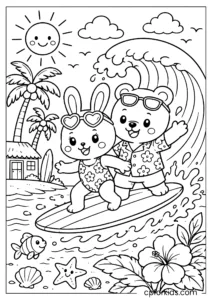
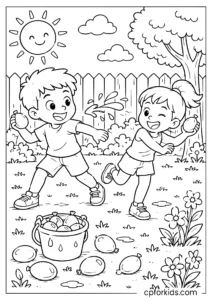
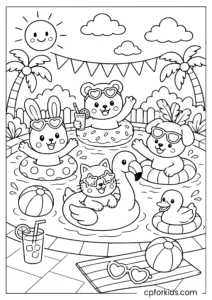
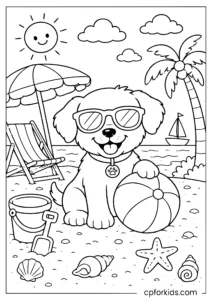

Printable Summer Coloring Pages
Prefer coloring on paper? Explore our printable Summer Coloring Pages collection.
 Beach Coloring Pages