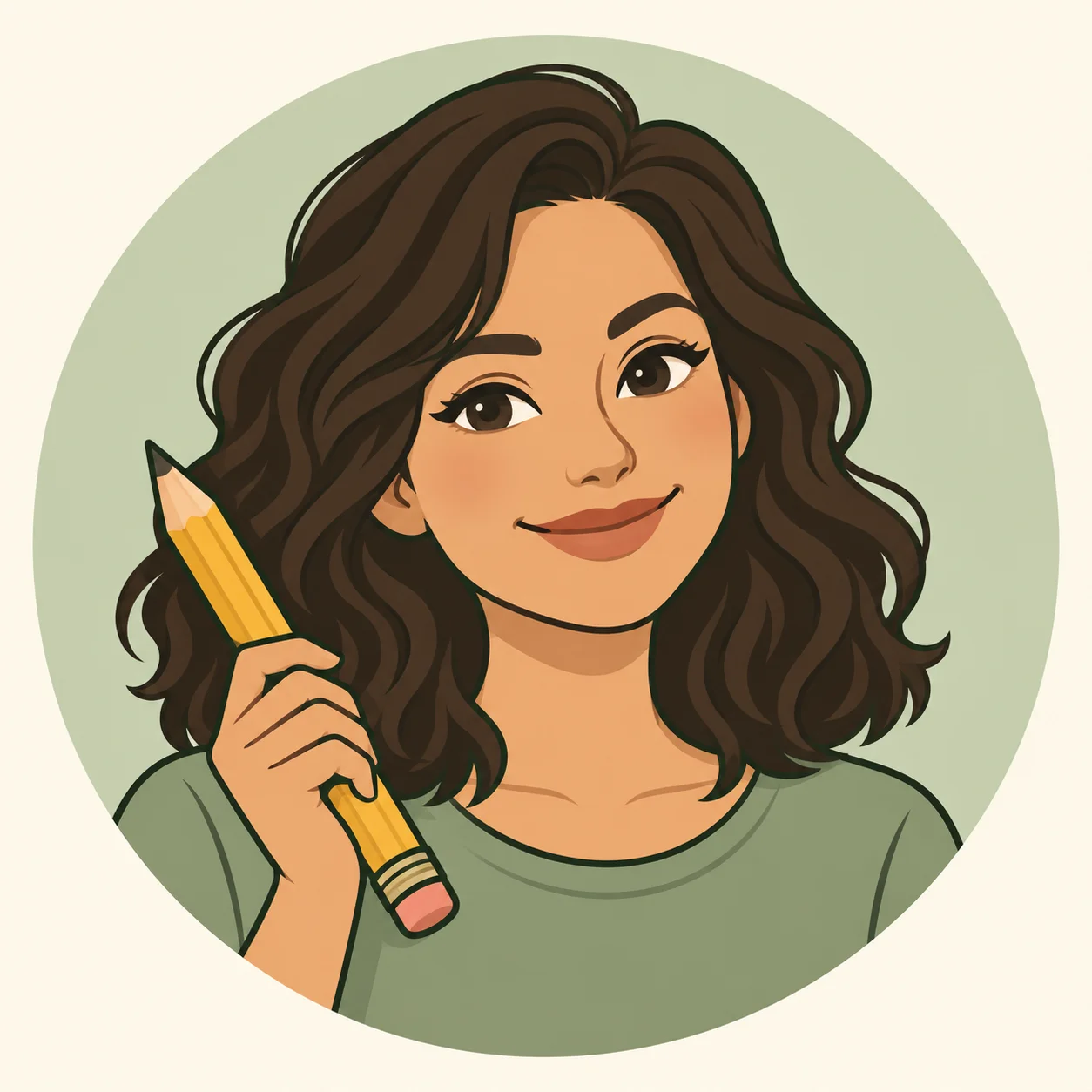
Selinay Yücesoy
Illustrator & Content Designer at CPForKids
Selinay Yücesoy leads creative direction, illustration preparation, and content review at CPForKids. Since the site began in March 2025, her aim has been to help families and educators turn spare moments into enjoyable creative activities.
Her work includes both printable coloring pages and online coloring activities, combining AI-assisted drafts with vector editing in Inkscape. She focuses on recognizable subjects, clear outlines, and practical coloring areas for the intended audience.
How I Create & Review Coloring Pages
I prepare each page individually, from choosing a draft to reviewing the finished files. AI tools help develop the starting image; I then use Inkscape to convert and refine the artwork before it is prepared for printing or online coloring.
Plan the Topic
I choose the subject, intended audience, and composition, then decide how much detail and how large the coloring areas should be.
Develop an AI-Assisted Draft
I write prompts and review draft images for recognizable subjects, suitable poses, and a clear layout before selecting a starting point.
Refine in Inkscape
I convert the artwork into vectors, inspect the lines and shapes, and correct issues I find, including unwanted fills, awkward details, and unclear coloring areas.
Prepare Printable Files
I prepare the printable PDF and WebP preview, checking page margins and line clarity. Raster output intended for printing uses 300 DPI; vector artwork remains scalable.
Check Online Coloring Areas
For pages offered in the browser coloring tool, I review enclosed regions and boundaries so visitors can select and fill the intended areas.
Review and Improve
I review the finished activity before publication. Feedback about a drawing or file helps us identify corrections and improve existing pages.
Printable Coloring Standards
Printable pages are prepared to provide a clean and practical coloring experience at home, in classrooms, and for homeschool activities.
- Clean black-and-white line art
- Clear, readable coloring areas
- Practical page margins
- PDF-ready output for printing
- US Letter and A4-friendly preparation
Online Coloring Standards
For designs offered online, the review focuses on the boundaries and enclosed areas used by the browser coloring tools.
- Clear and understandable boundaries
- Practical colorable regions
- Clean shapes with minimal visual confusion
- Compatibility with CPForKids coloring tools
- Usable on desktop, tablet, and mobile browsers
Latest Coloring Pages
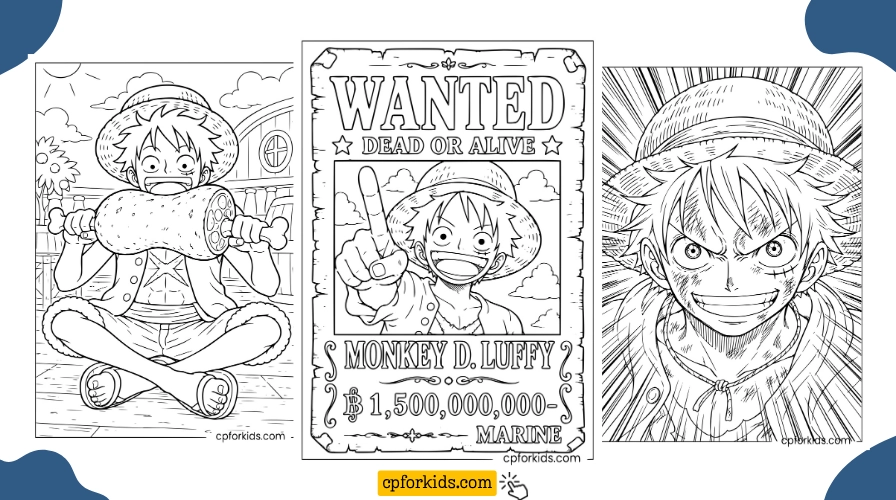
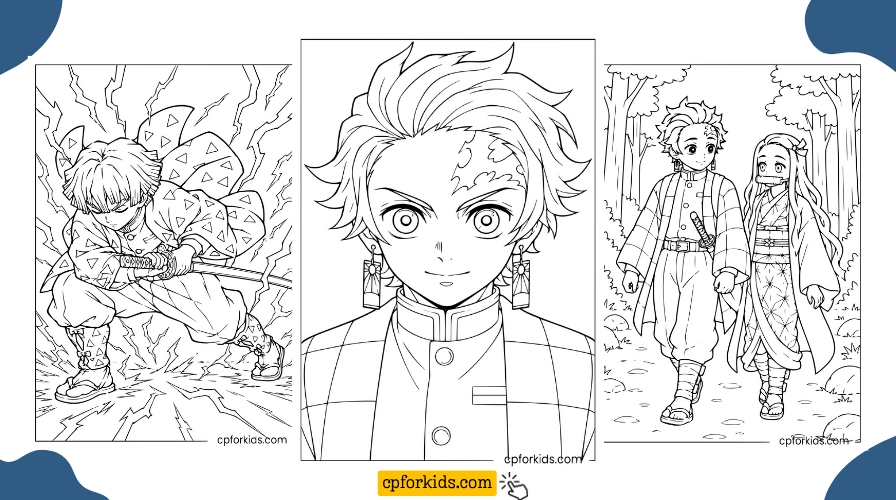
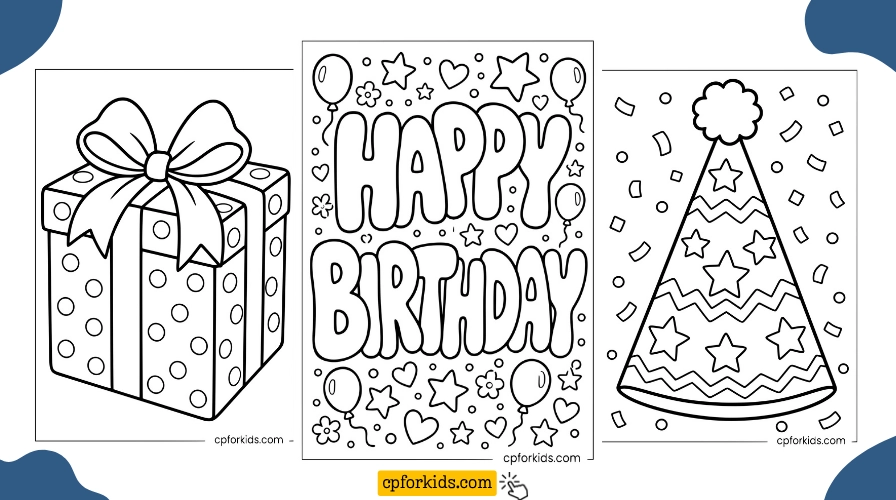
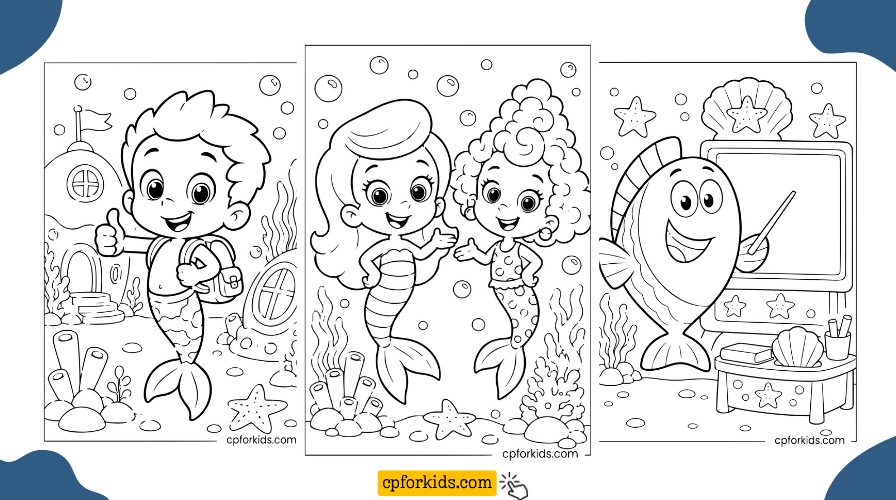
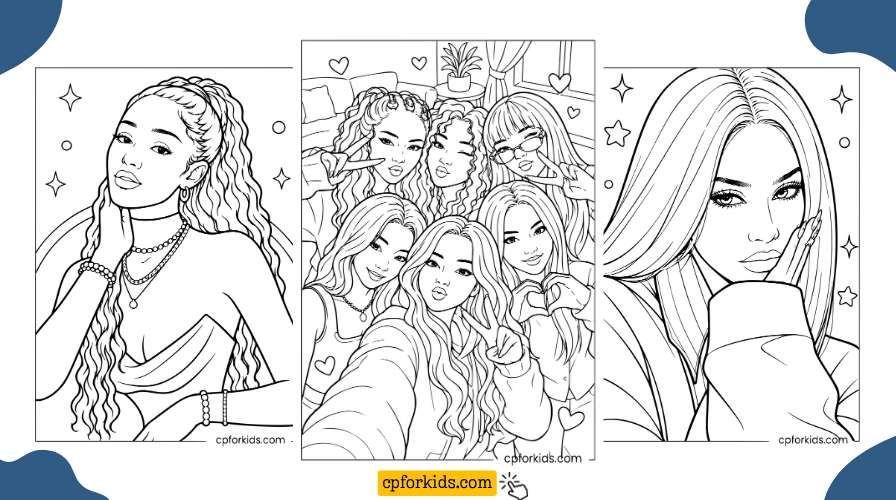
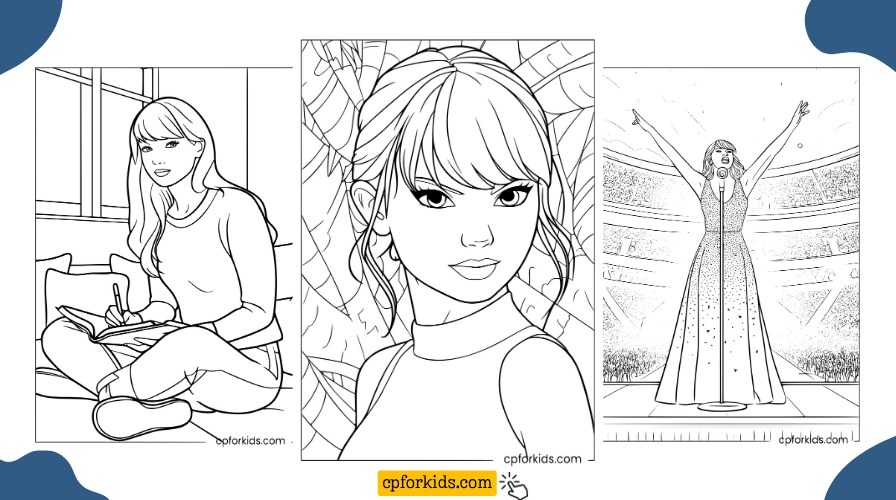
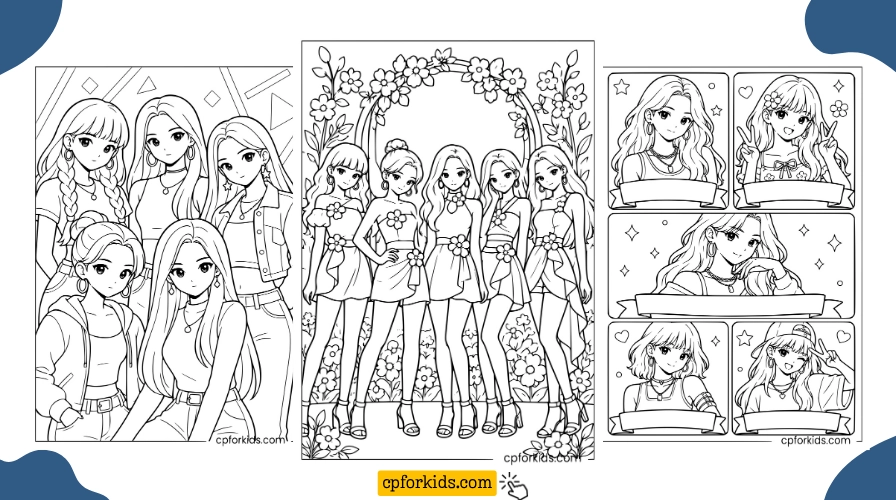
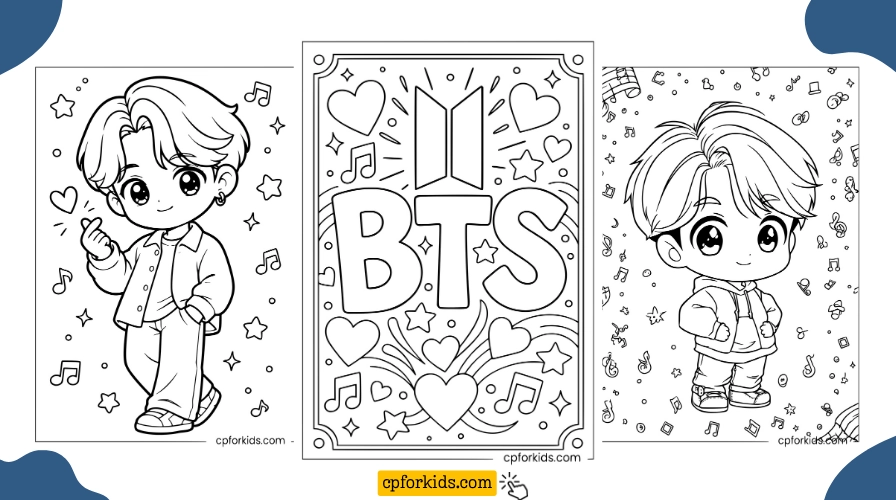
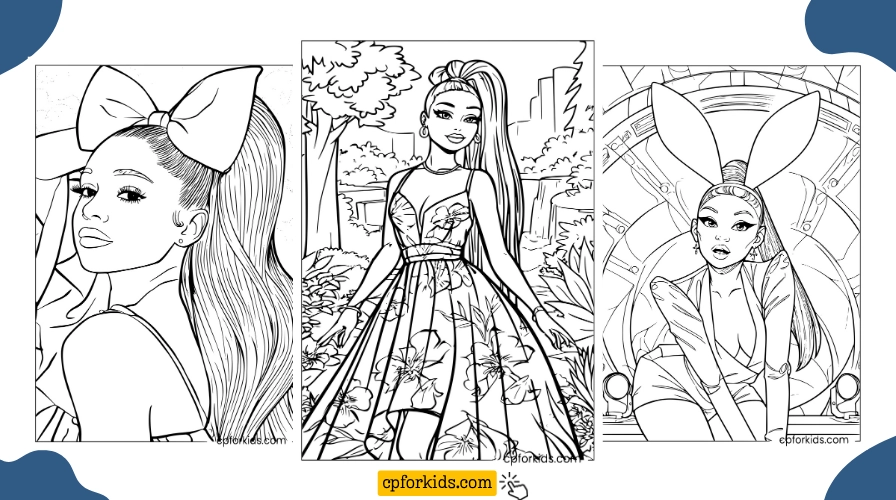
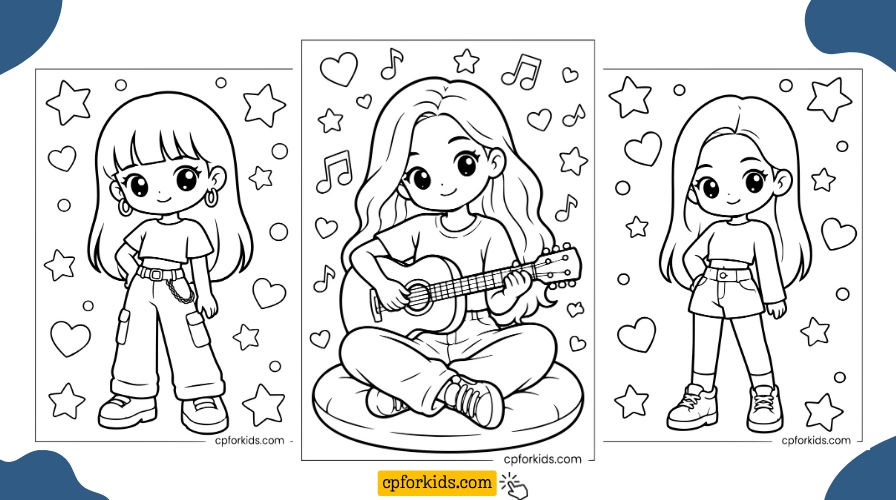
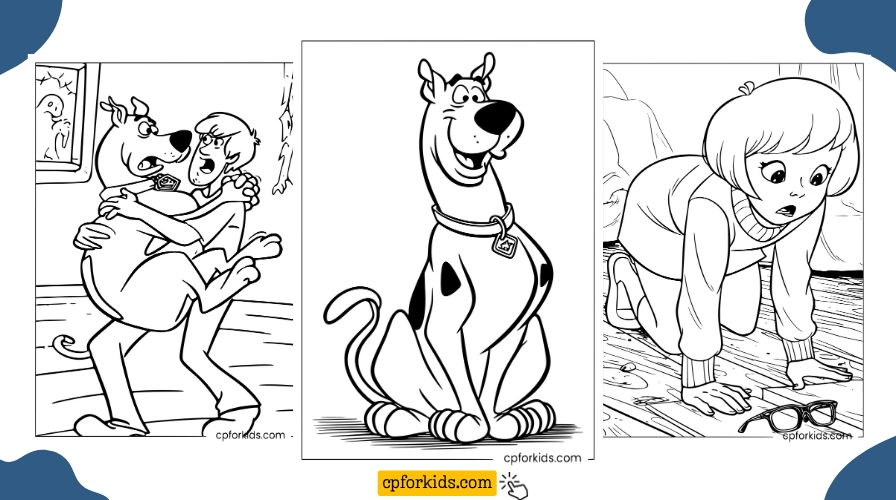
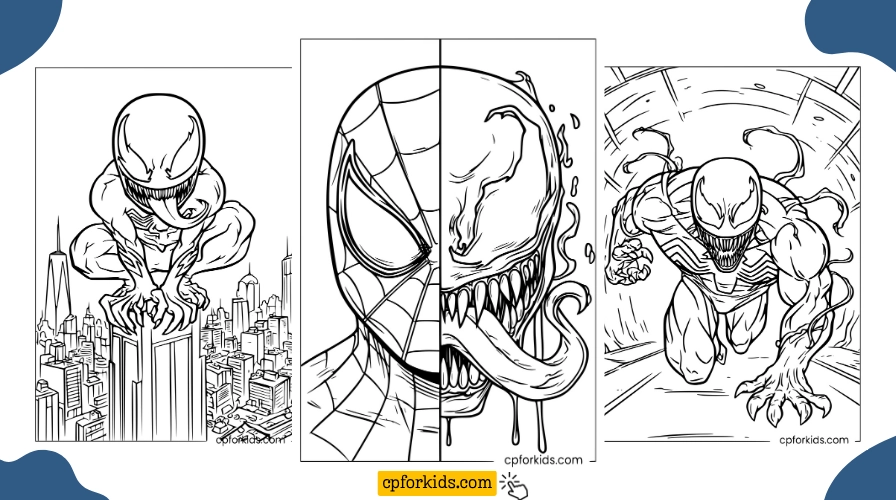
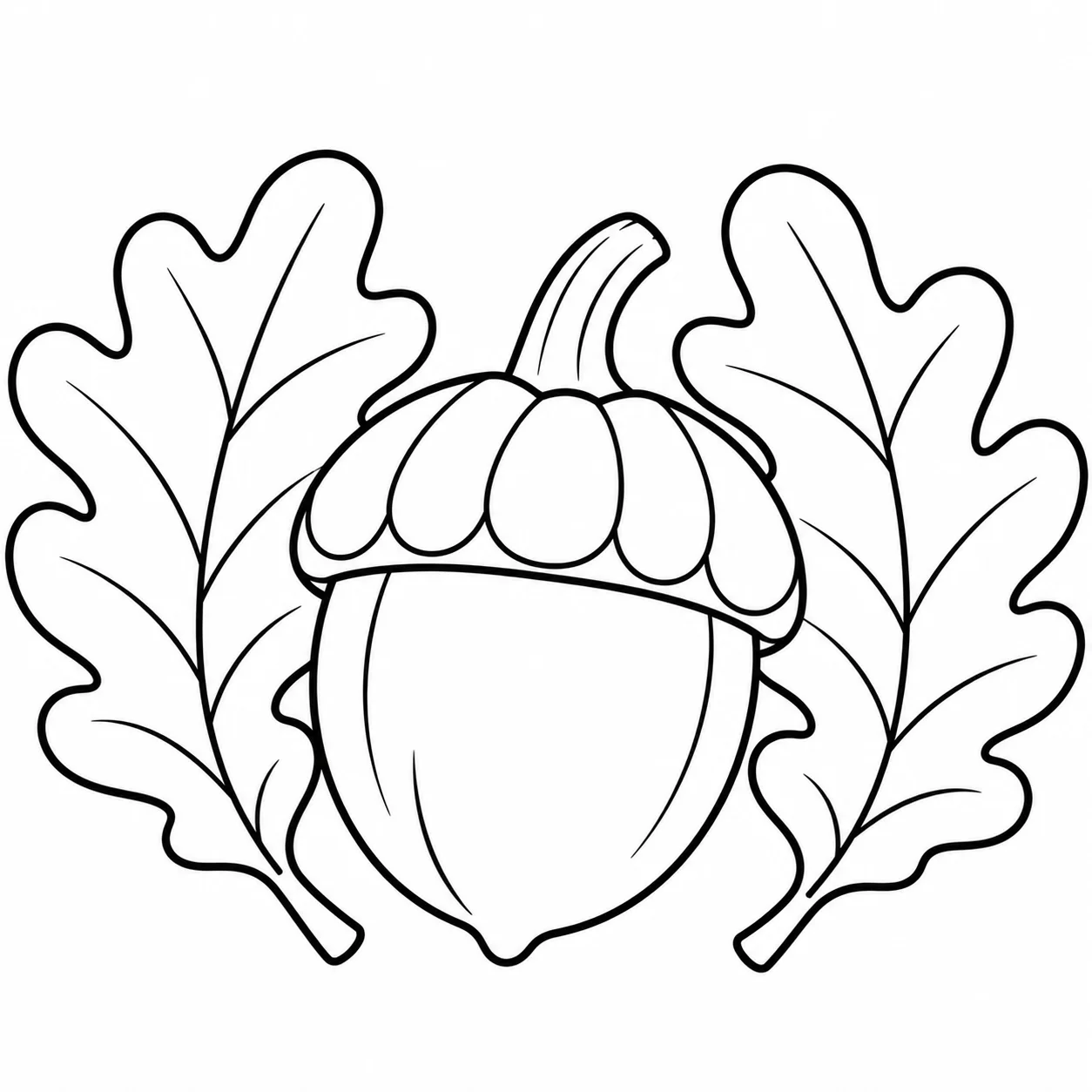
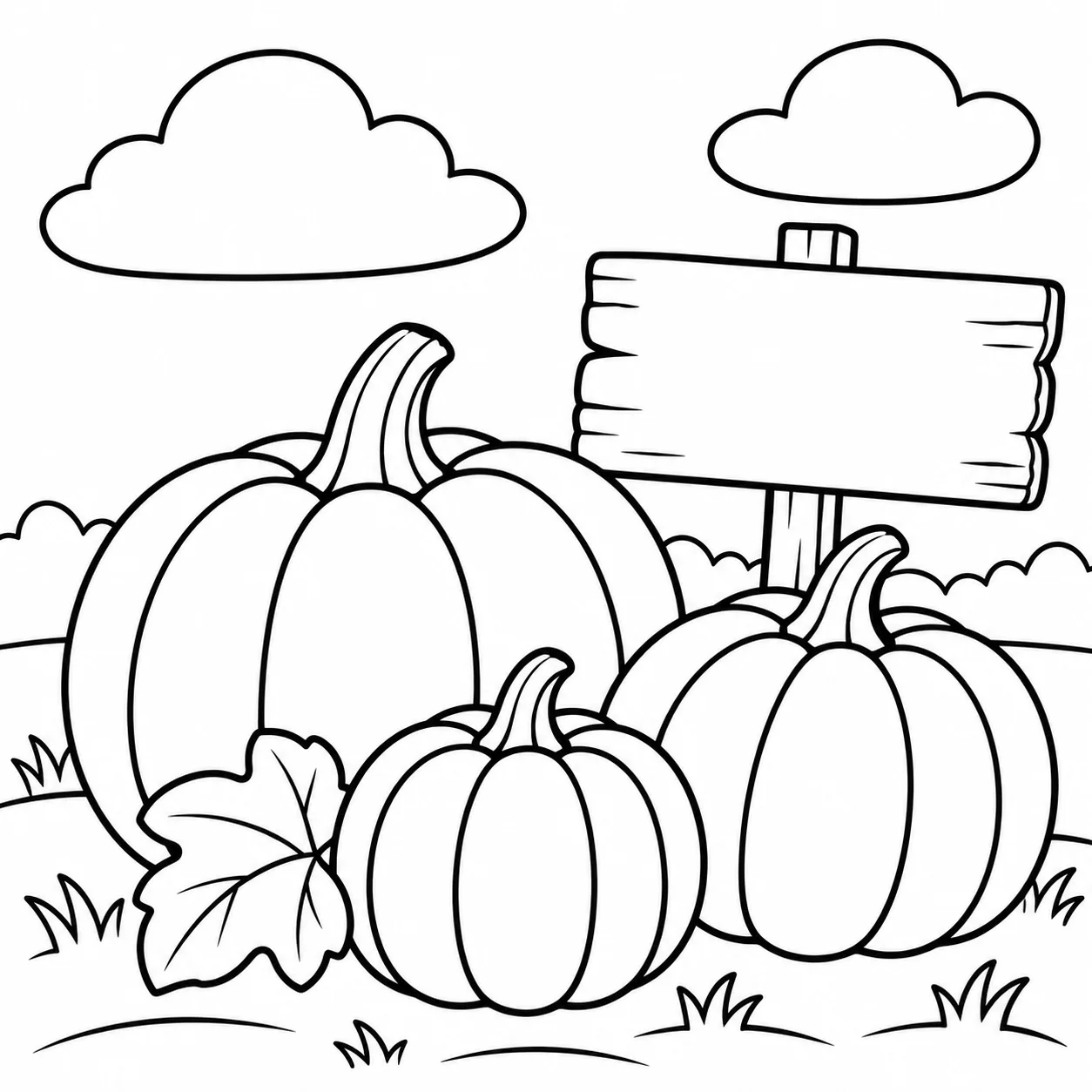
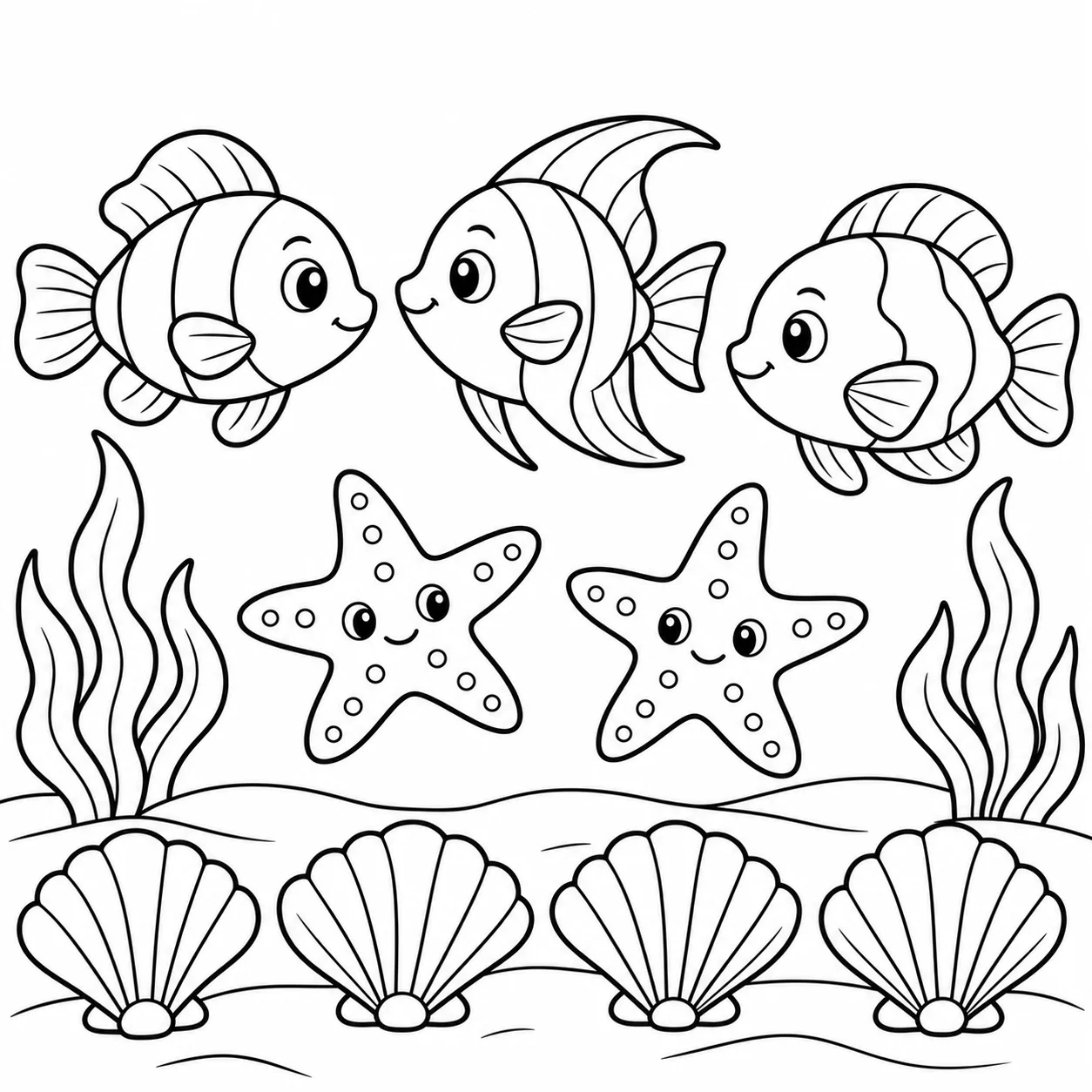
Browse recent printable collections from CPForKids. Open a collection to preview the pictures and choose a PDF.
Latest Online Coloring Activities
Explore recent browser-based coloring activities from CPForKids. Choose a picture to open it in the online coloring tool.
About My Work at CPForKids
Coloring began as a way for me to slow down and spend time on something creative. At CPForKids, I guide the visual work while Oğuz Han Köse supports website development and maintenance. You can read our story and see a real Inkscape working example on the About CPForKids page.
Printable Coloring Pages
Explore printable coloring collections prepared for home, classroom, and homeschool use.
Browse Printable Pages →Online Coloring
Color directly in the browser using CPForKids' interactive coloring tools on desktop, tablet, or mobile.
Start Coloring Online →Online Coloring Guide
Learn how to use the browser coloring tools and save your finished picture.
Read the Online Guide →